Make a digital business card on iPhone
Digital business cards come in two kinds. One is an NFC card or a link that opens a page about you; the other is a contact that lands in the other person’s address book. Kardhaus makes the second kind, starting from the paper card you already have.
Last updated 2026-10-27
Making one
-
Photograph your own card
In My Card, choose Photograph the card in your hand. Name, title, company, phone and email are read into their fields, and the photo is what you hand over. No paper card? Pick one from Photos, choose yourself in Contacts, say it, or type it.
-
Put it on the Home Screen
Add the My Card widget and your card is on the Home Screen, so handing it over does not start with finding the app.
-
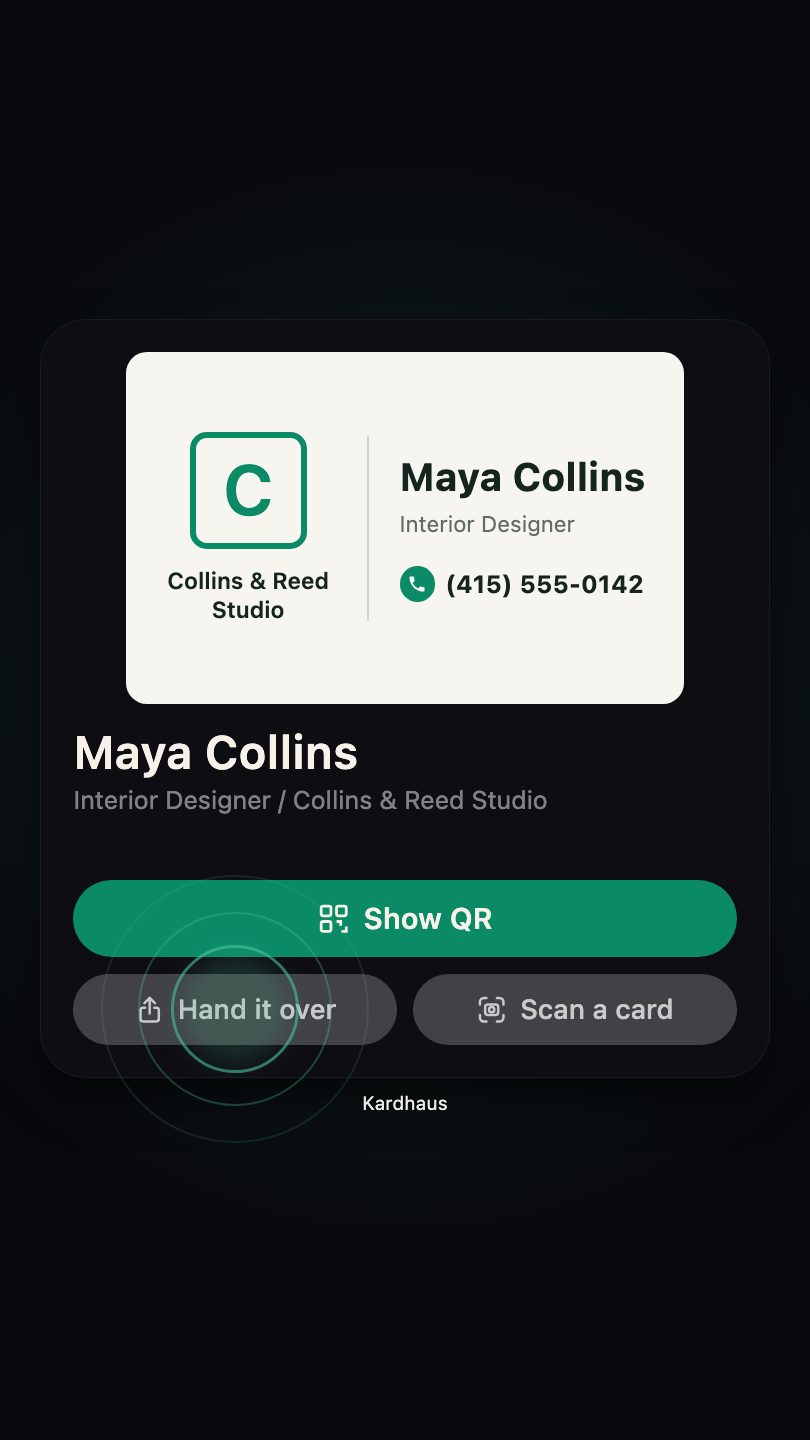
Tap Hand it over, or Show QR
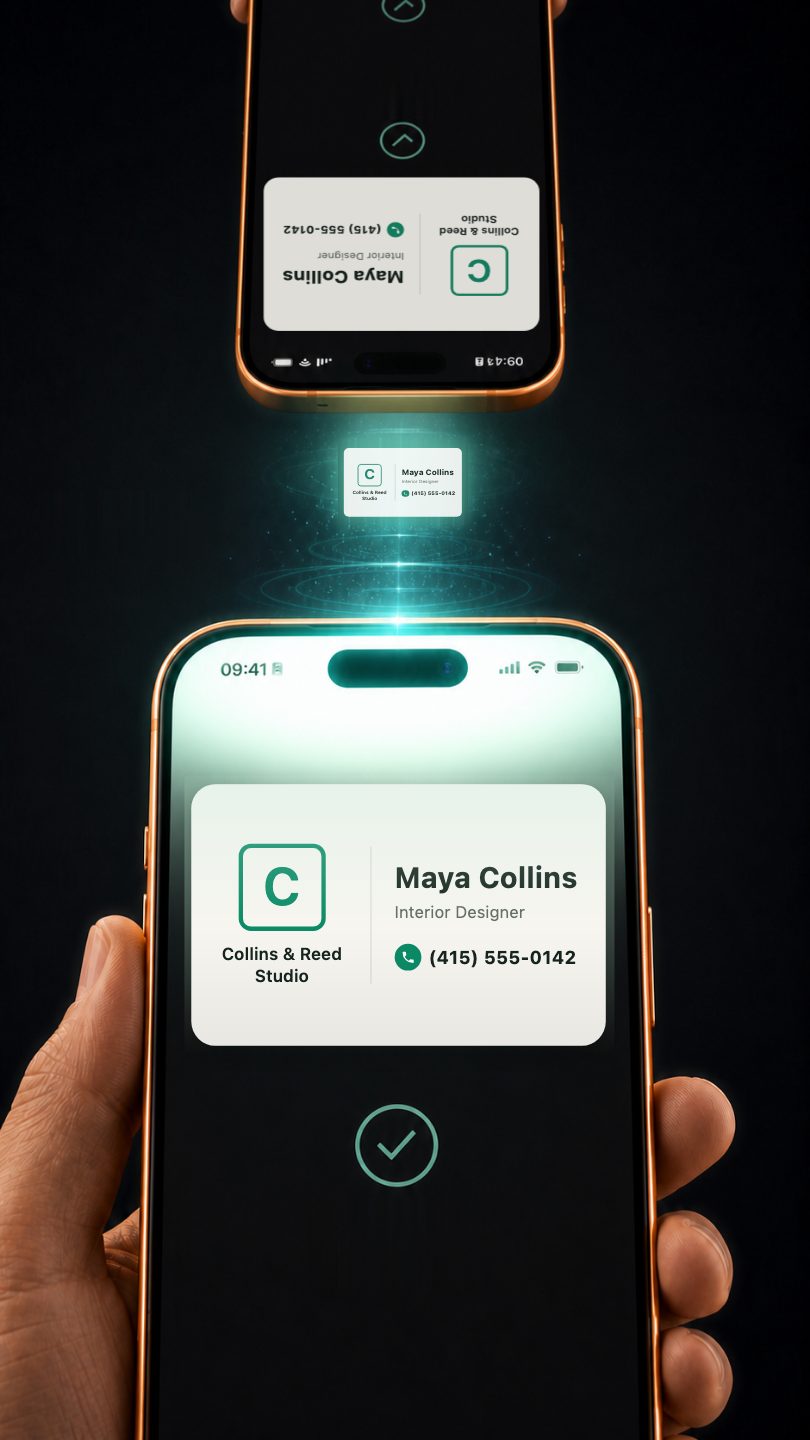
If they have an iPhone, Hand it over opens the share sheet with AirDrop in the first row. If not, tap Show QR and their phone’s camera saves it as a contact.
What they receive
A contact file (.vcf) that opens in their own Contacts: nothing to install, no sign-up, no link to open later. AirDrop is a direct transfer between the two devices and the QR code is drawn on your iPhone, so neither passes through us.
Compared with NFC cards and link-based cards
| Kardhaus My Card | NFC and link-based cards | |
|---|---|---|
| What they receive | A contact, saved in their address book | A web link; saving the contact is a step on that page |
| What you need | Your iPhone | NFC versions need a card bought separately |
| Account | None | Usually required |
| When your details change | Hand it over again; they keep the copy you gave them | Edit the page and the link shows the new details |
| Where it is kept | Your iPhone, and your own iCloud if sync is on | The provider’s servers |
| Who opened it | Not tracked | Some services show view counts |
The right-hand column describes how this kind of service usually works; each one differs.
When the other kind fits better
- You want cards already handed out to update themselves. A link-based card changes for everyone who has the link.
- You want to know who looked at your card. Some link-based services count views; Kardhaus does not.
- You like tapping a card on someone’s phone. That is what NFC cards do.
More than one card
One for the day job, one for the side project, one with your personal number. You name them, and the widget shows the one you set as default.
Is My Card free?
Do they need an iPhone?
I already have a digital card in another app. Do I start again?
Can I print it?
iPhone · iOS 26 and later
Download on the App Store
Free to download